Getting Started
What is MindAct?



Download MindAct-Setup.dmg from the download page. Open the file, drag MindAct to your Applications folder, then launch it.
Download MindAct-Setup.exe from the download page. Run the installer and follow the setup wizard. MindAct will appear in your Start menu when complete.
Download the AppImage or deb package from the download page.
# AppImage
chmod +x MindAct-*.AppImage && ./MindAct-*.AppImage

# deb
sudo dpkg -i MindAct-Setup.deb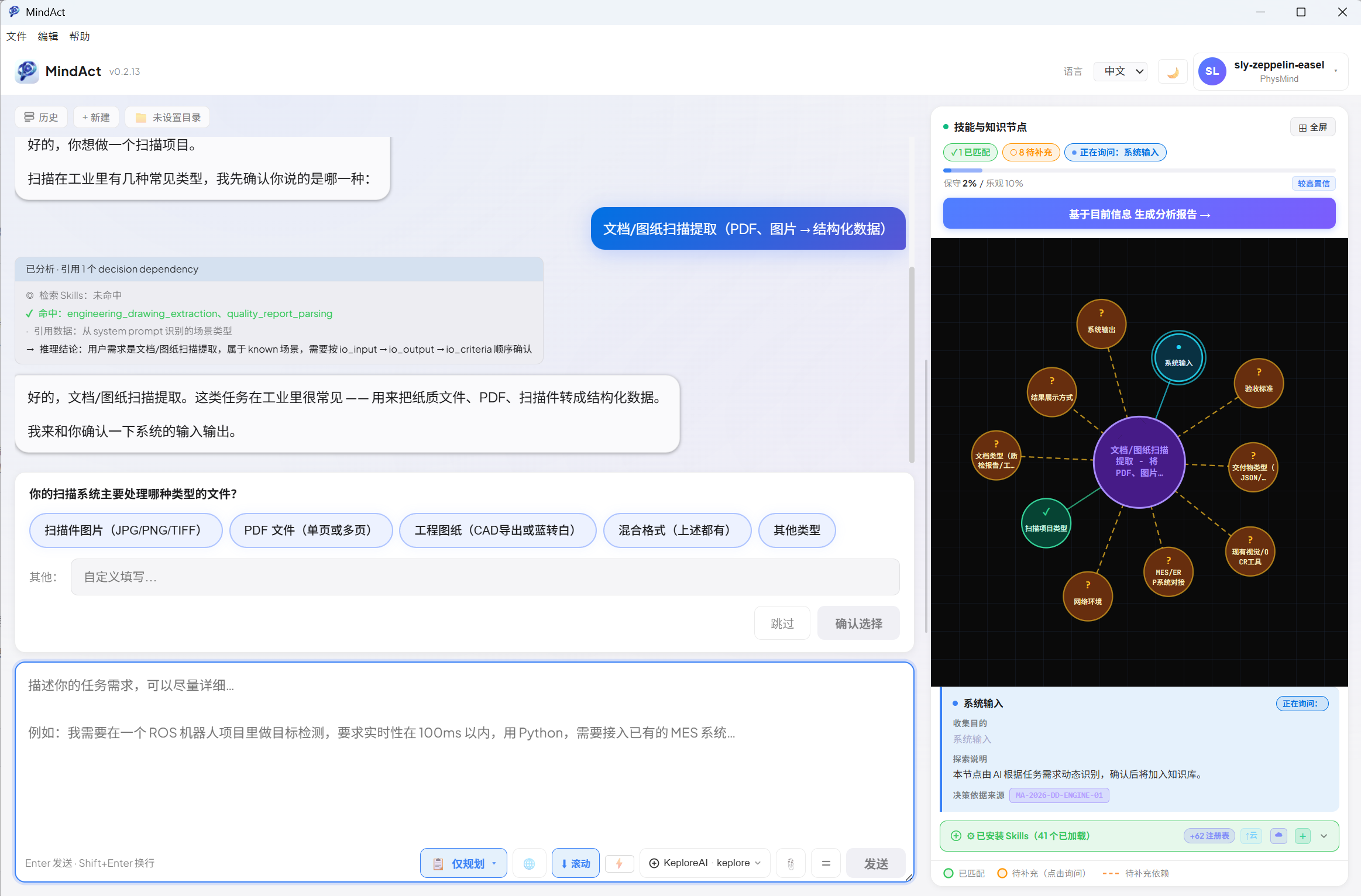
Execute with fully enriched context
Execute with missing-dependency warning
Fill knowledge gaps before executing
| Syntax | Meaning | Example |
|---|---|---|
[[filename]] |
Private KB link — your own markdown files | [[joint_constraints]] |
{{filename}} |
Platform KB link — read-only reference modules | {{Safety_Constraints}} |
Note: Available AI providers depend on your account plan or enterprise license. If a provider option is missing or greyed out, your account may not have access. Contact us to confirm your permissions.
| Provider | Example Models | Availability |
|---|---|---|
| KeploreAI | KeploreAI | All accounts |
| Anthropic | claude-sonnet-4-6, claude-haiku-4-5 | By plan / permission |
| MiniMax | minimax-m2.7 | By plan / permission |
| DashScope | qwen3.6-plus | By plan / permission |
| GLM / 智谱AI | glm-4-plus, glm-4-flash | By plan / permission |
| Nvidia NIM | Kimi K2.5 | By plan / permission |
| Custom (OpenAI-compatible) | Any model at your endpoint | By plan / permission |
| Settings Tab | Description |
|---|
| Action | Shortcut |
|---|---|
| Open Settings | Ctrl+, |
| Toggle Terminal | Ctrl+Shift+T |
| New Chat Session | Ctrl+N |